How to Create a Year Progress Countdown on Your iPhone with Widgets
Create a year progress countdown on your iPhone to calculate the percentage of the year passed and remaining. Follow this guide with screenshots to add a year progress widget to your Home and Lock Screen.

The year moves faster than we think. One day it’s January, and before you know it, months have passed. Tracking the percentage of the year passed and remaining helps you stay aware of your time, refocus on your goals, and make better decisions about how you spend each day. A simple year progress countdown can turn abstract time into something measurable and motivating.
In this guide, you’ll learn how to create a year progress countdown on your iPhone that automatically calculates year progress in real time. By setting up a dedicated countdown and widget, you’ll be able to see exactly how much of the year is gone — and how much is still ahead of you — every time you check your screen.
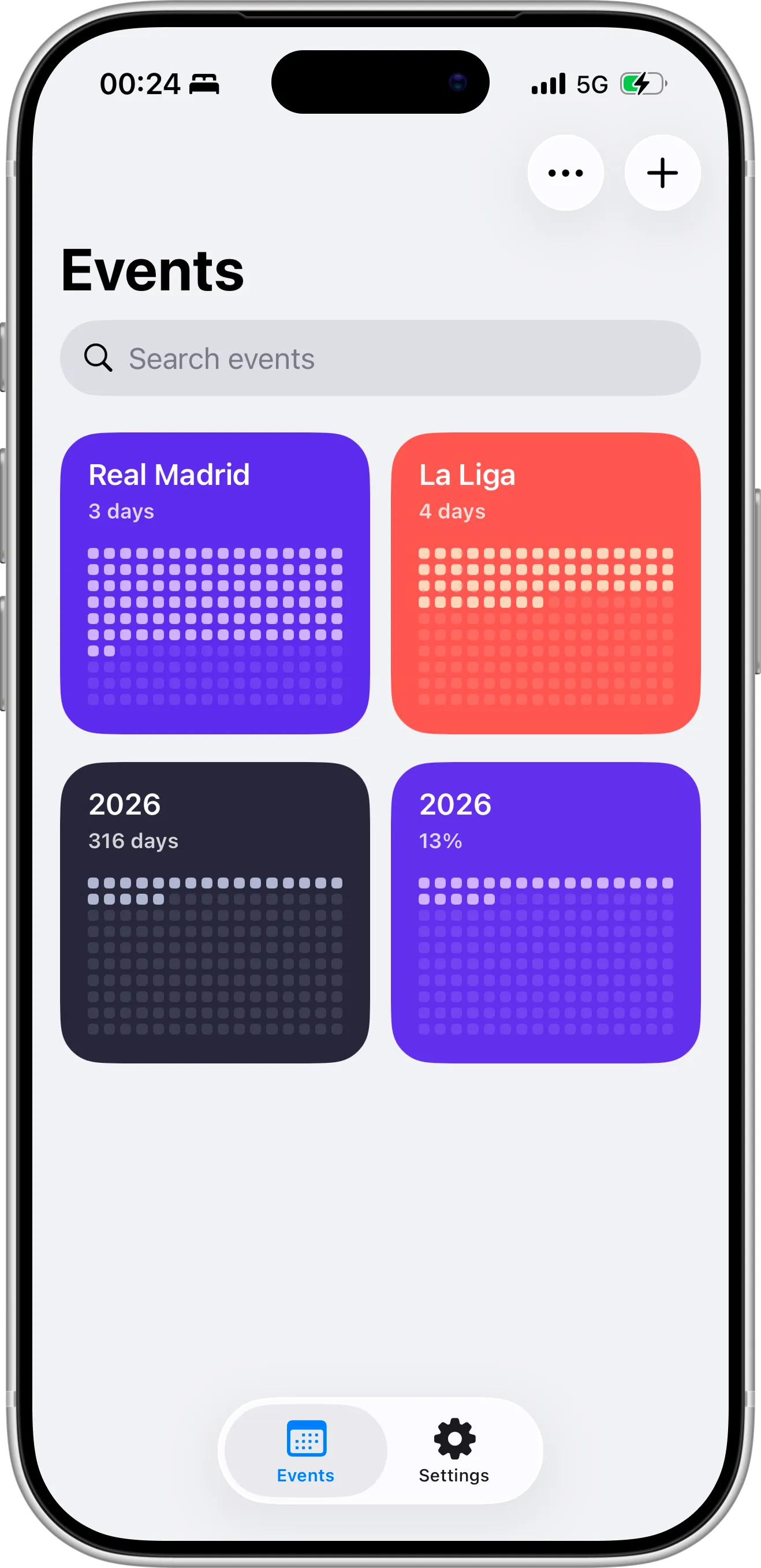
Step 1. Create Your Year Progress Countdown Event
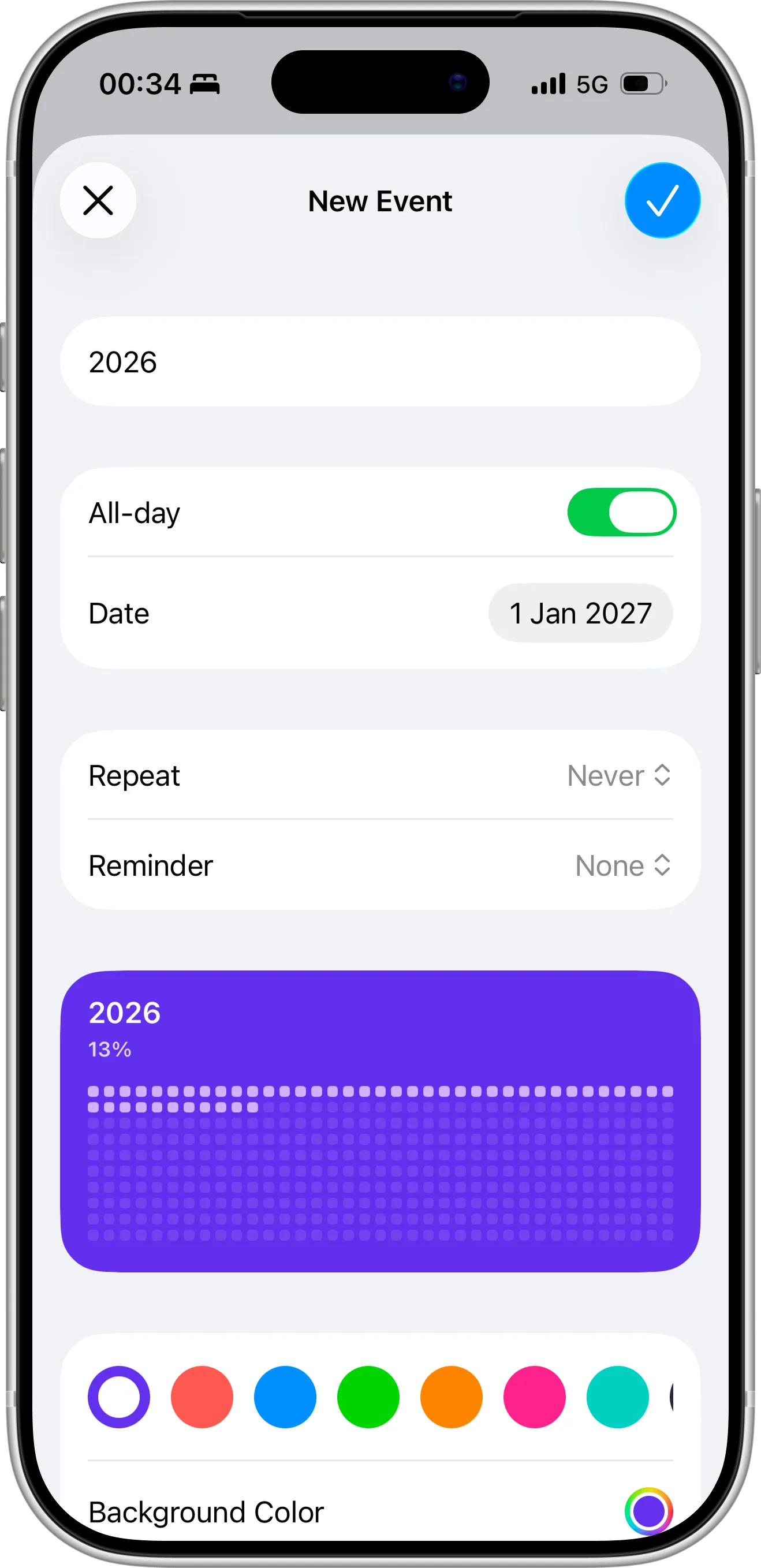
First, install the Countdown X app on your iPhone. After opening the app, tap the “+” icon to create a new countdown. In the title field, enter the current year (for example, 2026) so the countdown clearly represents this year’s progress.
Next, select January 1 of the next year (January 1, 2027) as the target date. This setup allows the app to calculate the percentage of the year passed and remaining automatically. Choose a color theme that makes the countdown stand out. In the next step, you’ll continue configuring the event.
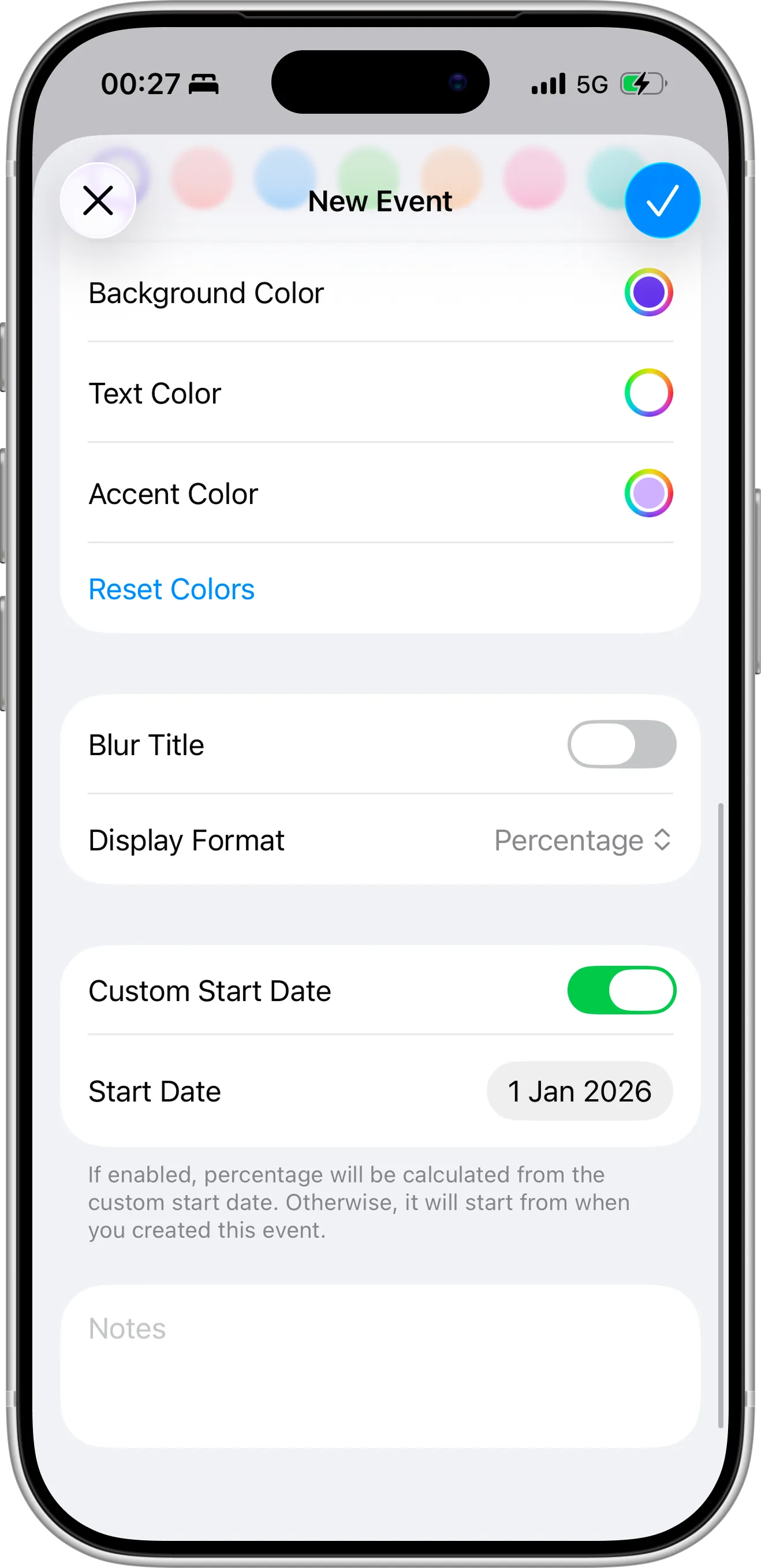
Step 2. Enable Percentage Display and Set the Start Date
Now choose the display format as Percentage so the countdown shows the exact percentage of the year passed and remaining instead of just days. This is what turns your event into a true year progress tracker.
Next, toggle on Custom Start Date and set the start date to January 1 of the current year. This ensures the calculation begins from the first day of this year and accurately reflects real-time year progress.
Once everything is set, tap Save. Your year progress countdown will now appear on the dashboard, updating automatically to show how much of the year has passed and how much time is left.
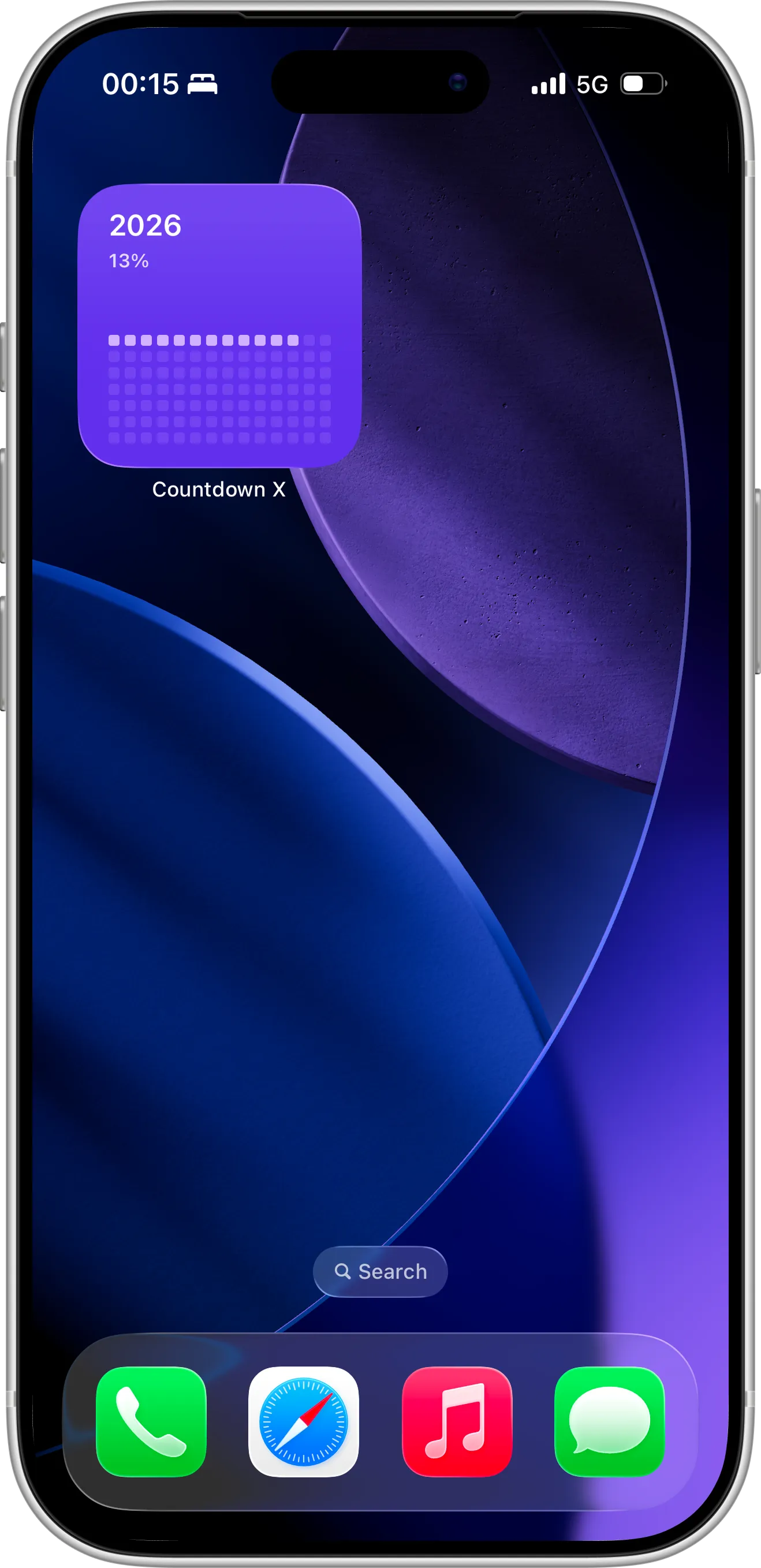
Step 3. Add Home Screen widget
Adding a Home Screen widget for your year progress countdown is a great way to keep track of time at a glance. With the widget visible on your Home Screen, you can see the percentage of the year passed and remaining without opening the app, helping you stay aware of your goals and daily priorities.
Widgets also provide real-time updates, so your year progress is always current, giving you a constant visual reminder to make the most of each day.
For a step-by-step walkthrough, you can see how to set up the Home Screen widget in our detailed guide.
Step 4. Add the Year Progress Widget to Your Lock Screen
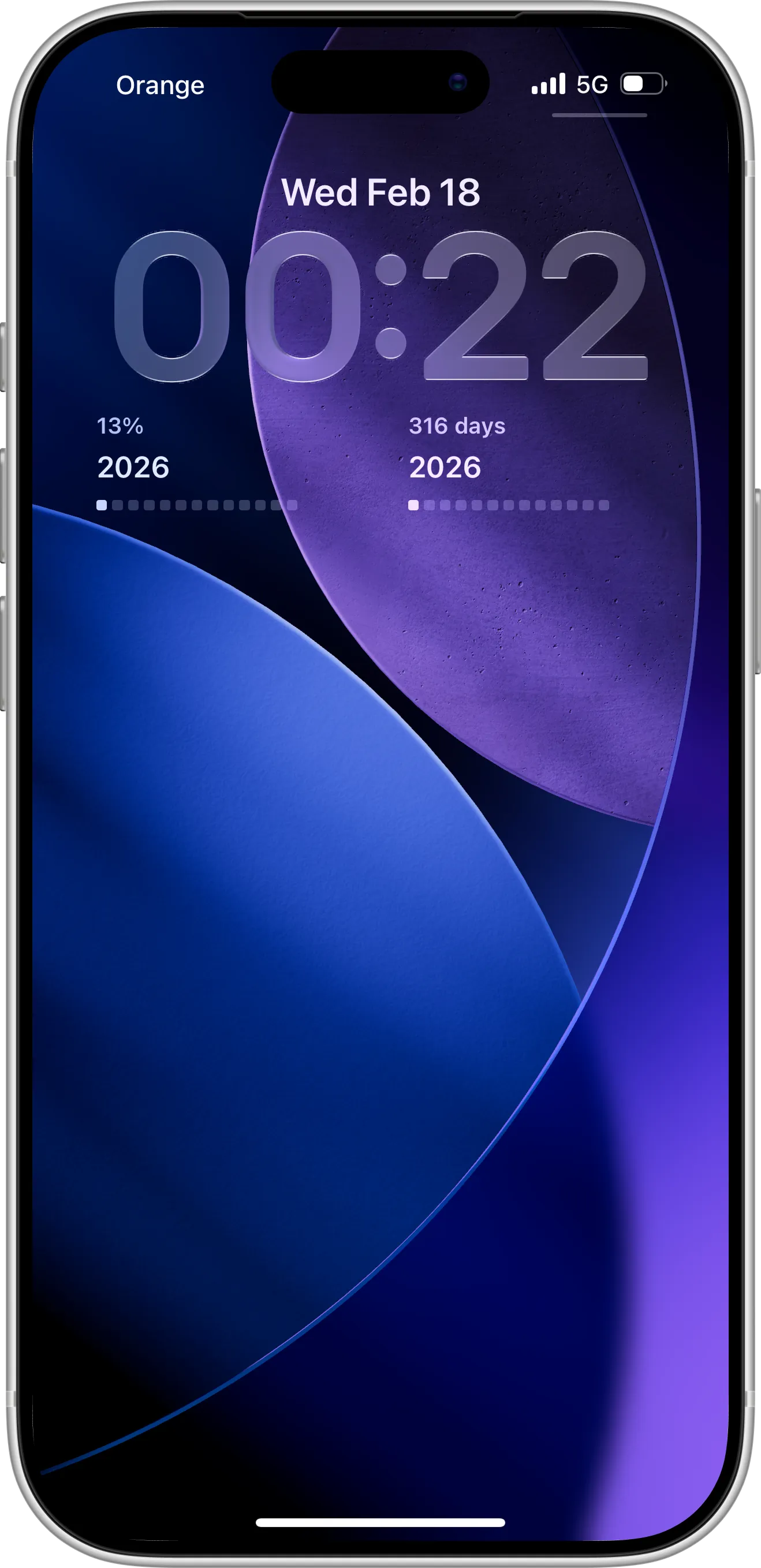
Adding a Lock Screen widget makes it even easier to track your year’s progress without unlocking your iPhone. At a glance, you can see the percentage of the year passed and remaining, helping you stay aware of time and stay focused on your goals throughout the day.
The Lock Screen widget provides constant visibility and quick access, making your year progress an always-present reminder. To learn more about customizing and adding the Lock Screen widget, check out our guide on how to set up Lock Screen widgets.
Start Tracking Your Year Progress Today
Tracking the percentage of the year passed and remaining gives you clarity, focus, and motivation. With a simple year progress countdown and widgets on your Home and Lock Screen, you can see exactly where you stand at any moment, helping you make every day count and stay on top of your goals.
Ready to take control of your time? Download the Countdown X today to create your year progress countdown, add widgets, and start tracking your year like never before.