
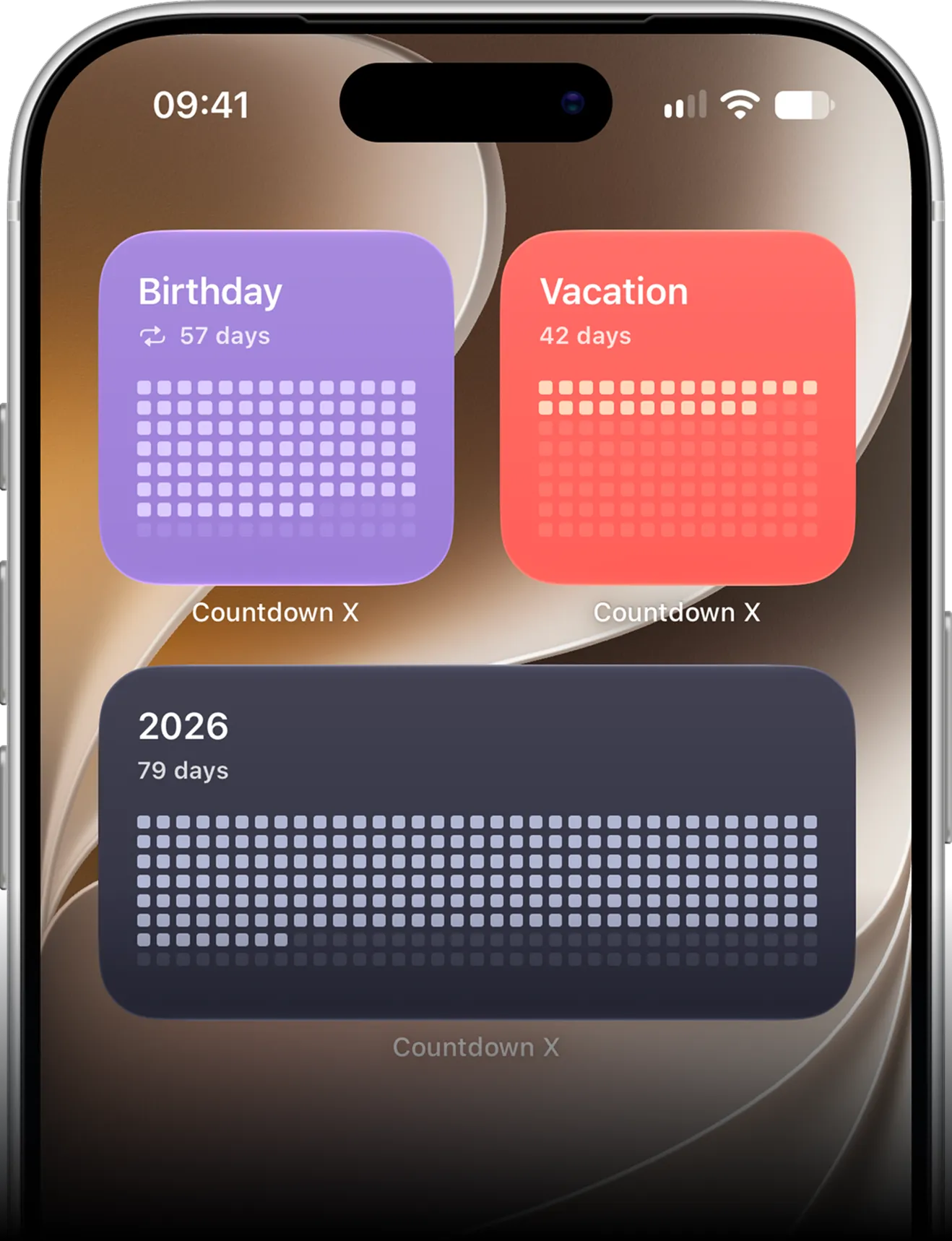

Effortless countdowns
Easily track events from the past and future, see your progress at a glance, and keep all your countdowns organized and visible every day.
Quick event dashboard. See all your past and upcoming events, track progress, and stay on top of every countdown effortlessly.
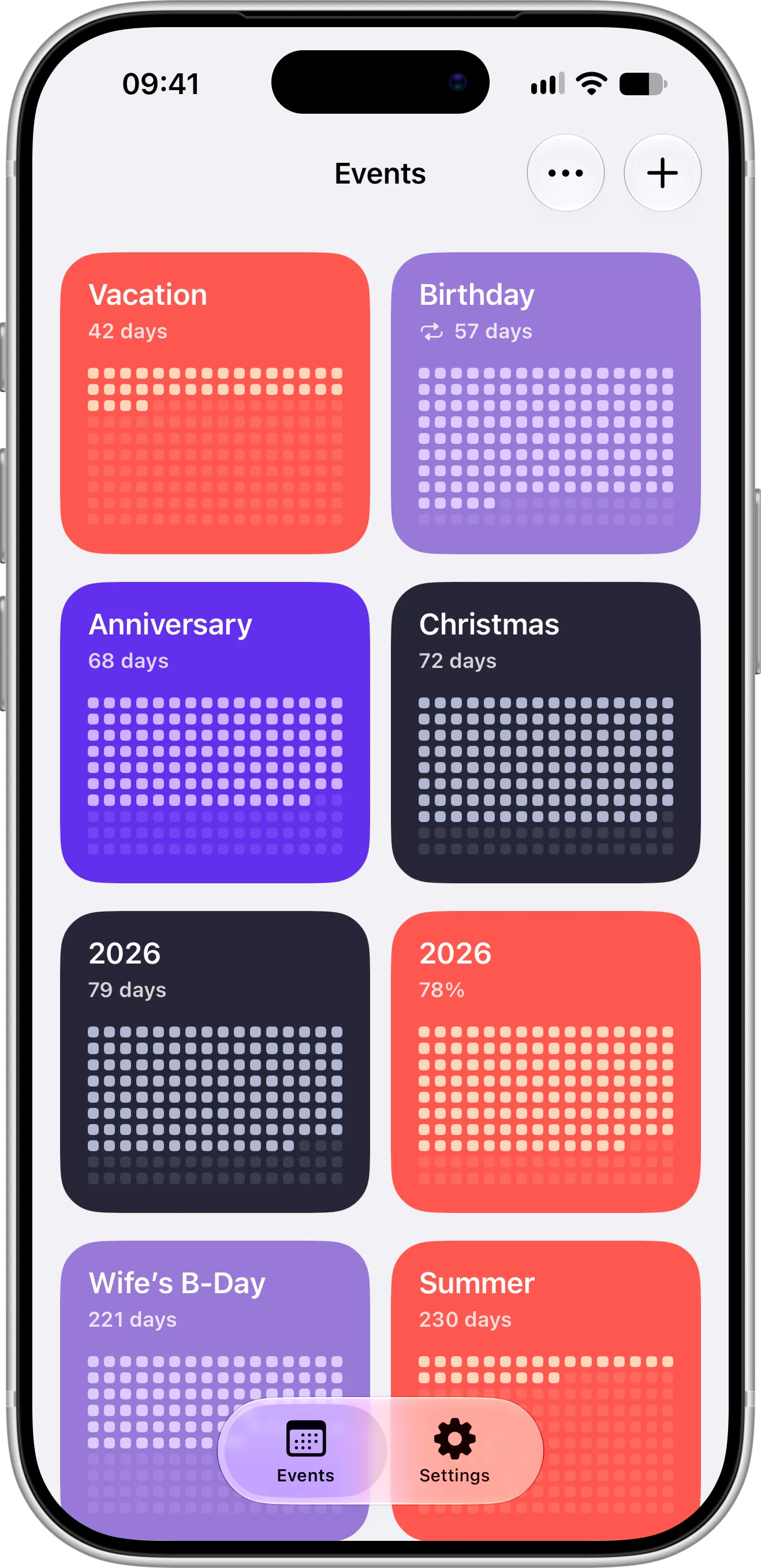
Customizable countdowns. Personalize each event with time or percentage display, start dates, and style templates to suit your style.

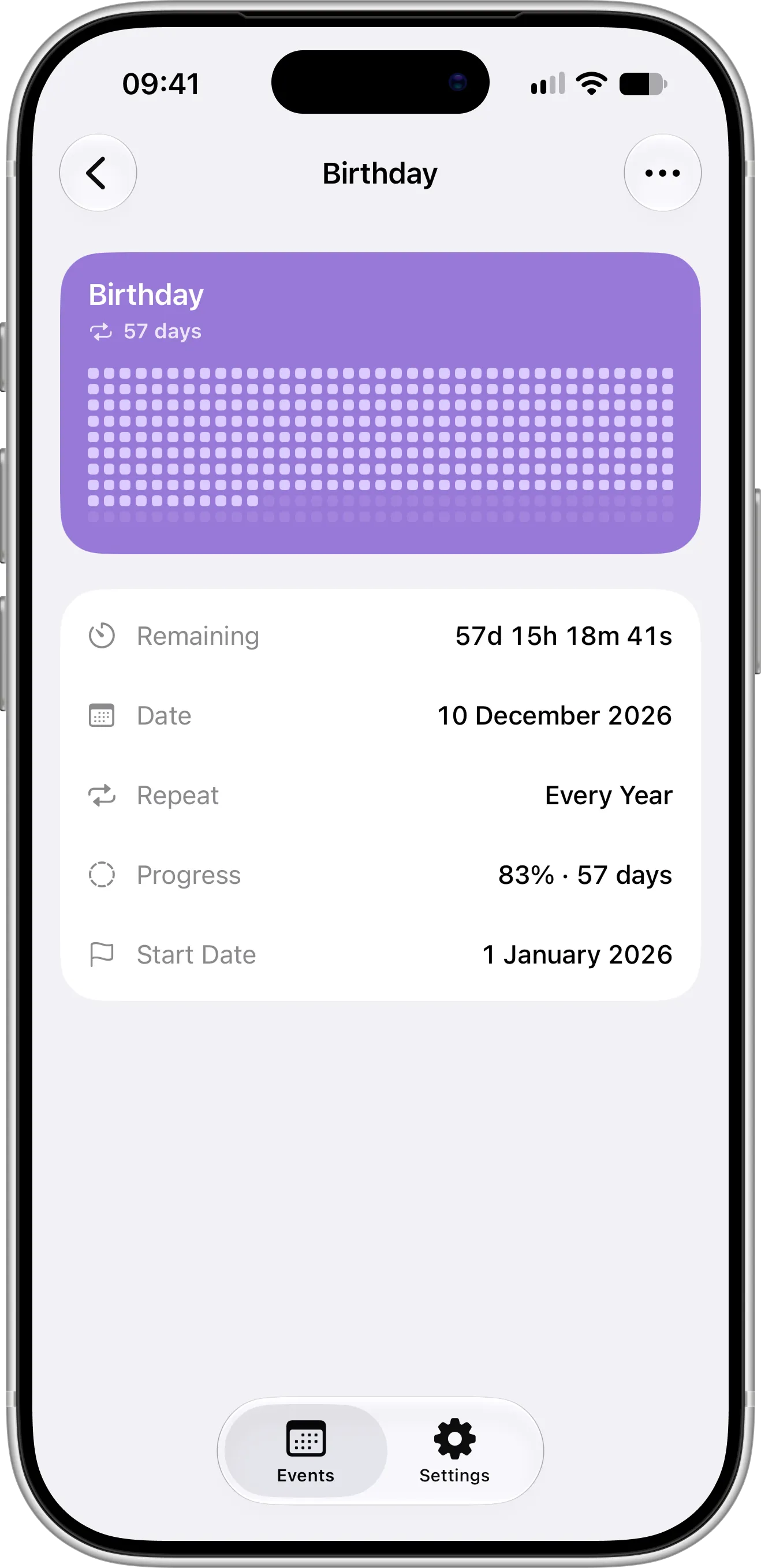
Detailed event view. View all event details at a glance, including timers, progress, and reminders, so nothing important is missed.
Never miss a moment
Create and customize countdowns, add Home and Lock Screen widgets, import events from calendar and reminders, and track your important dates effortlessly.
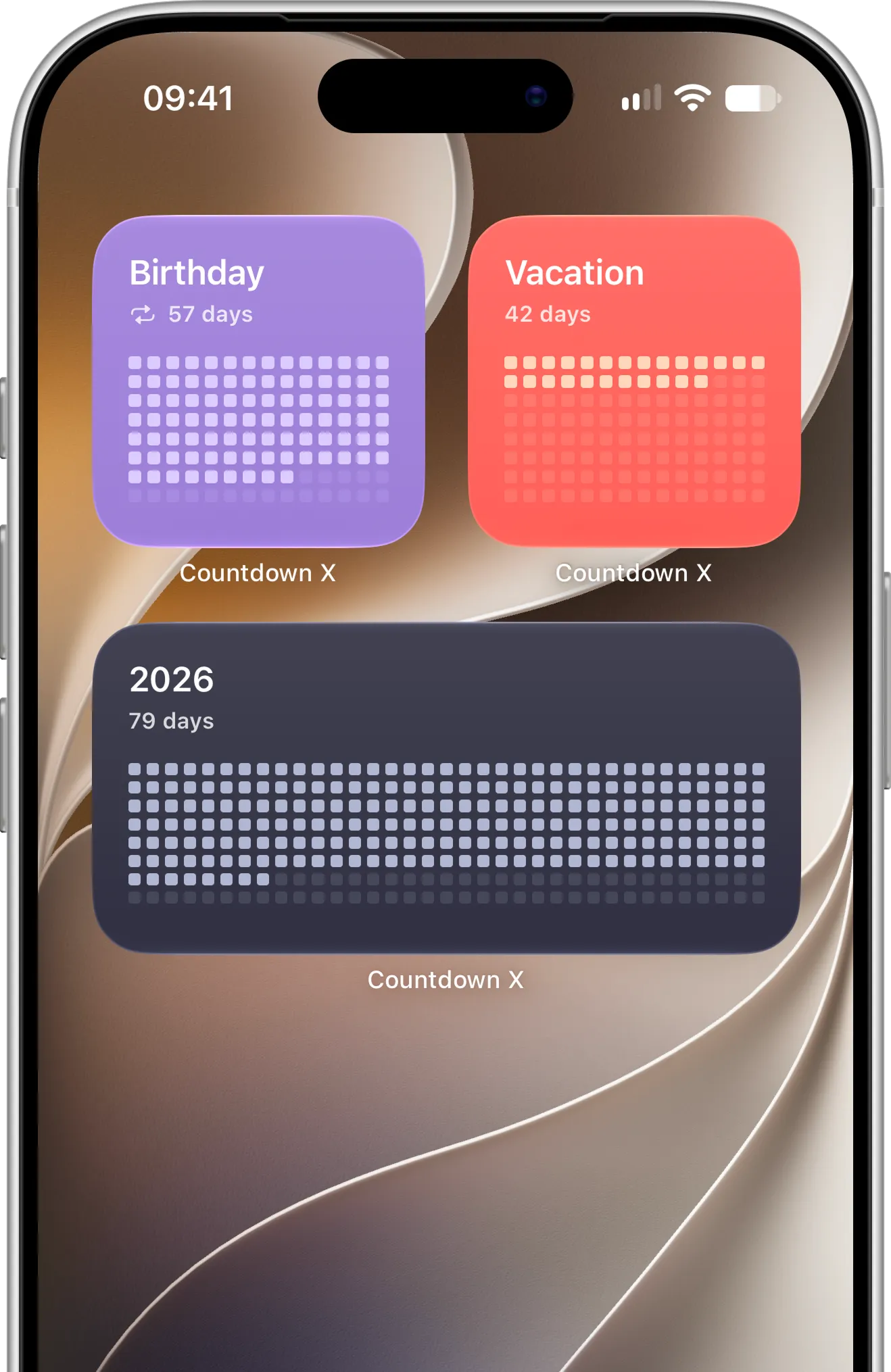
Home & Lock Screen widgets
View your upcoming events and countdowns at a glance with fully customizable widgets for Home and Lock Screens.
Customizable countdowns
Personalize how your countdowns look and feel — choose time or percentage display, style templates, and start dates.
Import from calendar
Quickly import your events from iOS Calendar to start tracking important dates without manually adding them.
Import from reminders
Bring your tasks and reminders from iOS Reminders into Countdown X to easily track everything that matters.
Backup with iCloud
Automatically back up your countdowns to iCloud and keep them synced across all your iOS devices for seamless access.
Full privacy
Your countdowns stay on your device and in your private iCloud. No third-party tracking, no data selling, and full control over your information.
What users say
Real feedback from people who use countdown to track important dates, plan ahead, build excitement, and stay motivated every day.
- "Really clean design, nice colors and it’s just so simple to use."
- "The app simply does exactly what I need and want."
- "Minimalist, useful, and easy-to-use widgets. Highly recommended!"
- "Super convenient and satisfying to use."
What’s new
You can now count down to the end of the year, season or month in one tap with templates. Tap + on your events, choose Add from Template, and watch your progress fill in as the days go by. Your Live Countdown now blends in on the Lock Screen and starts again when you turn it back on.
See all updatesCountdown Templates: Track the Year, Season or Month in One Tap
Add a countdown to the end of the year, the season or the month in one tap with Countdown X templates. The dates, colors and progress grid are set up for you, so you can watch time fill in day by day.
Read all articles
Start your countdown today
Stay on top of every event with Countdown X. Create, track, and personalize your countdowns, see them at a glance with widgets, and make every moment count.
